Quick AnswersFind solutions fast
FAQs
Frequently Asked Questions We're Here to Help!
Find answers to common questions about Easy Paper Maker. Cannot find what you need? Our support team is ready to assist you.
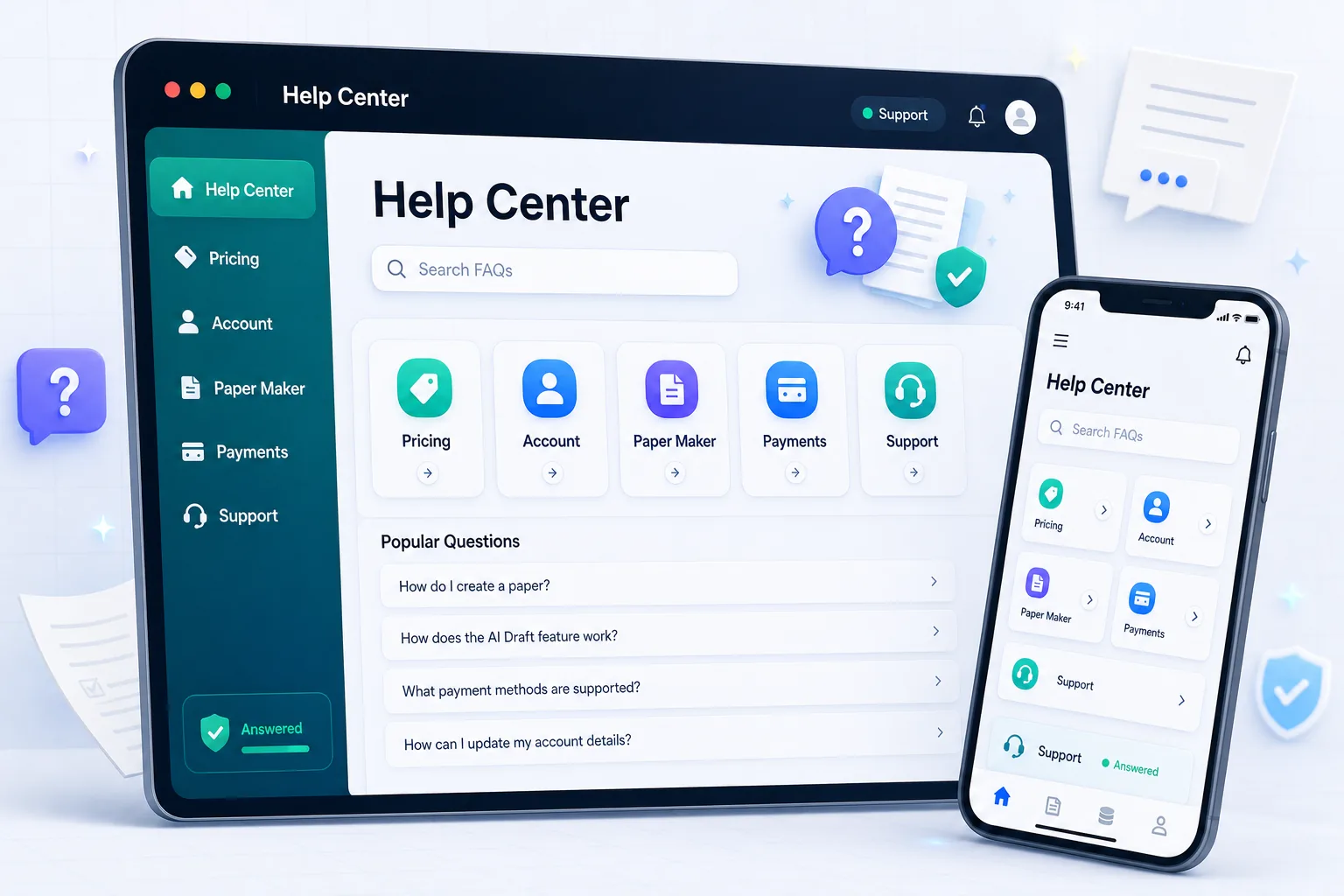
Most Common Questions
1. What is Paper Maker Software?
Paper Maker Software is a professional SaaS platform for teachers, schools, academies, and institutions to create, manage, print, and reuse exam papers from a structured question bank.
2. Who is it designed for?
It is built for individual teachers, school admins, academies, colleges, coaching centers, and institutions that want a faster way to prepare clean exam papers.
3. Is Paper Maker useful for first-time users?
Yes. The workflow is designed around simple selections like board, class, subject, chapter, question type, marks, and difficulty level.
4. Which boards and classes are supported?
Supported boards, classes, subjects, and chapters depend on the academic data configured by the admin team for your account or institution.
5. How do payments work?
Users pay manually through JazzCash, EasyPaisa, HBL Bank, or cash and upload proof. An admin or payment officer verifies the proof before activating access.
6. When is a subscription active?
A subscription becomes active after the admin or payment officer approves the payment request.
7. Which subscription should a new user choose?
New users can start with the package that matches their paper creation needs. Schools and academies can choose institution plans for multiple users and role-based access.
8. Is my question bank data secure?
The platform uses login access, roles, permissions, validation, and account controls to protect question bank and account data from unauthorized use.
9. How can I get support?
You can contact support from the Contact page, WhatsApp link, or the support widget available on the website.
10. What does the platform include?
The platform includes paper creation, question bank management, paper templates, subscription controls, Pakistani payment verification, user roles, and light AI-assisted workflows.
11. Can I create chapter-wise papers?
Yes. Teachers can create papers by selecting chapter, question type, marks, difficulty, and paper pattern details.
12. Does AI publish questions automatically?
No. AI-generated questions remain drafts until reviewed and approved by an authorized teacher, reviewer, or staff member.
13. Can I export or print generated papers?
Yes. Generated papers can be viewed, printed, and prepared in a professional format for exams, tests, homework, or practice sheets.
14. How do I create an account?
Open the registration page, choose an individual or institution account, and complete the required profile details.
15. Can I change my subscription later?
Yes. You can request an upgrade or select another available plan when your needs change.
16. Where can I view payment status?
Payment and subscription status appear inside your dashboard after submission and review.
17. Does Easy Paper Maker work on mobile devices?
Yes. Public pages and core workflows are responsive across supported phones, tablets, and desktop browsers.
18. Which browser should I use?
A current version of Chrome, Edge, Firefox, or Safari is recommended for the best experience.
19. What should I do if a page does not load?
Refresh the page, check your connection, and contact support if the problem continues.
20. How is my account protected?
The platform uses authentication, role permissions, validation, and session controls to protect access.
21. Is my question bank private?
Question and paper access is limited according to your account and institution permissions.
22. Where can I read the privacy policy?
The complete privacy policy is available from the Company section in the website footer.
No matching answers foundTry another keyword or category.
Still Have Questions?
Our dedicated support team is available to help with any questions or concerns.
Expert SupportHelp from our team
Video GuidesStep-by-step tutorials
Always UpdatedCurrent information
Ready to Get Started?
Join educators creating better exam papers every day.